

- Developer
- Installs
- 5B+
- Downloads
- 0
- Views
- 3
- Updated
- Nov 2, 2026
Screenshots


About Instagram
Instagram is a photo and video sharing app owned by Meta. People use it to follow friends, creators, brands and news pages, post moments from daily life and message each other. It began as a simple photo feed and has grown into a mix of posts, Stories, Reels, direct messages and shopping tools. You need to be at least 13 years old to create an account, and teen accounts have extra default protections in many regions.
The main parts of the app
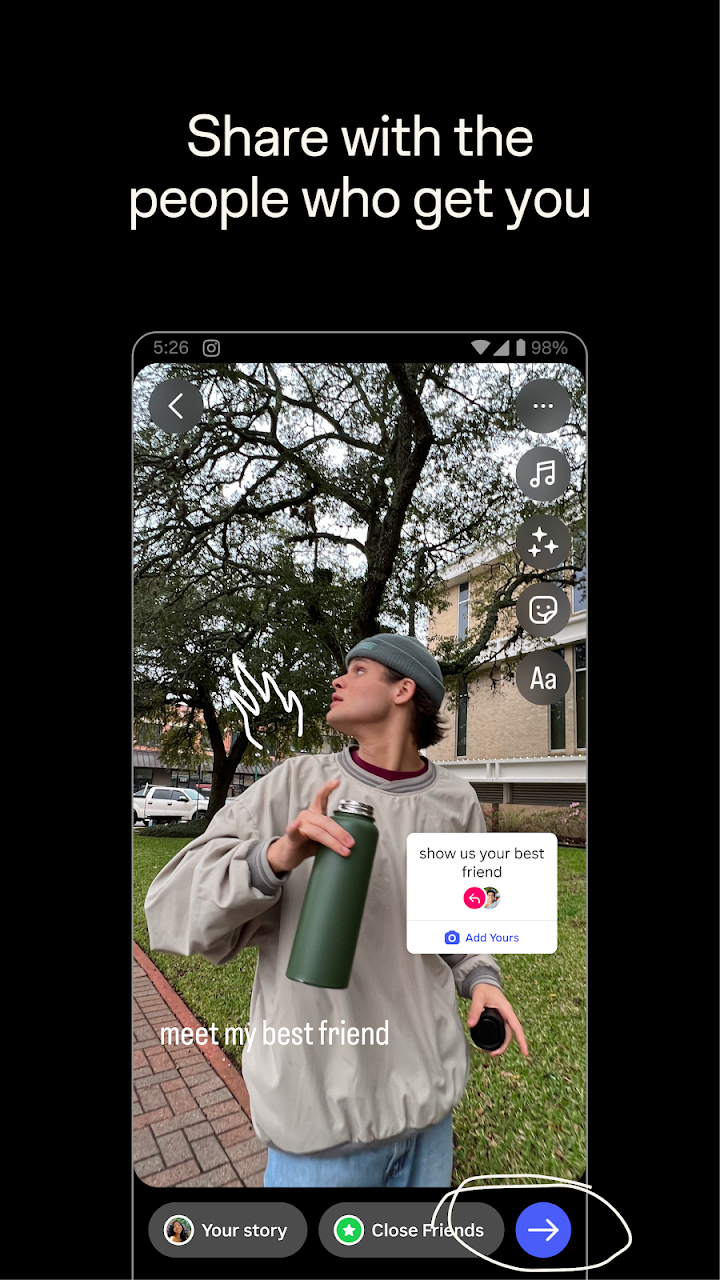
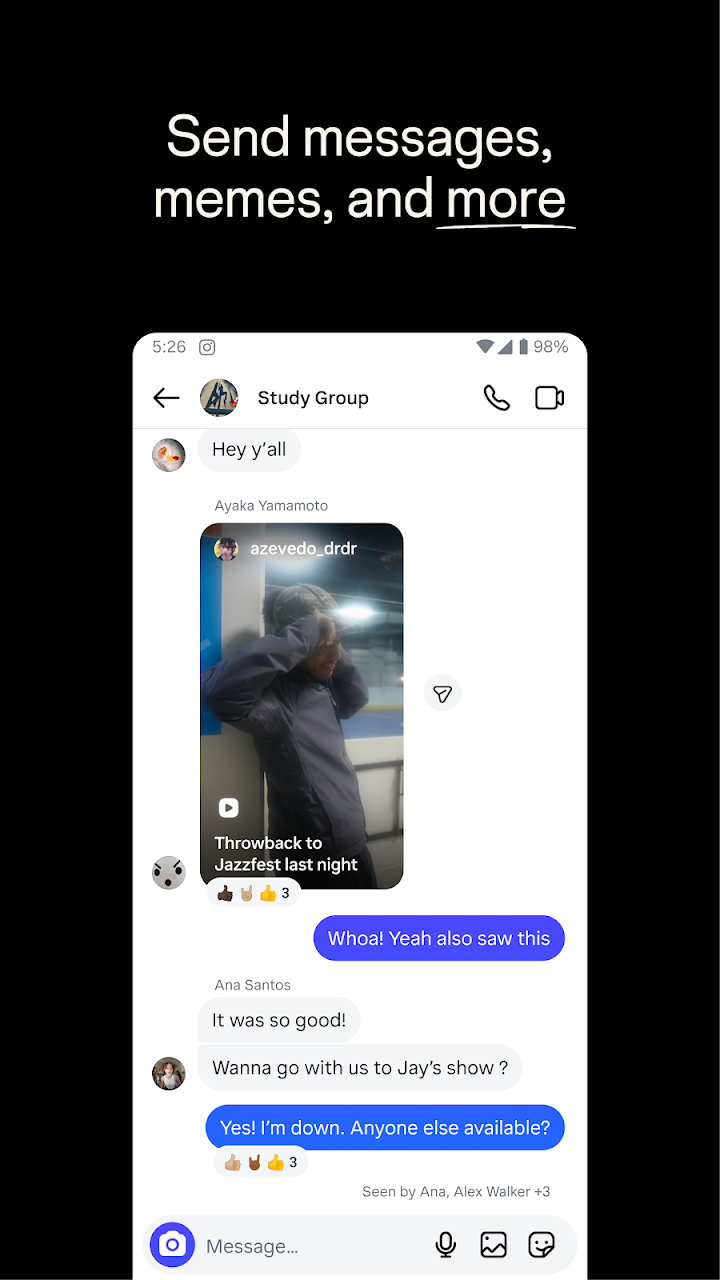
Feed shows posts from accounts you follow along with suggested content. Stories are photos or short videos that disappear after 24 hours, popular for casual updates. Reels are short vertical videos with music, effects and editing tools. Direct messages handle private chats, group chats and sharing of posts. Explore helps you find new accounts based on your interests, while Notes and Close Friends lists let you share with a smaller circle instead of everyone.
Privacy and safety settings worth checking
You can make your account private so only approved followers see your posts. Review who can message you, tag you or mention you, and use the restrict, block and report tools if someone makes you uncomfortable. Hidden Words and comment filters help reduce abusive replies. Turn on two-factor authentication to protect against account theft, and never share your login code. Be careful with messages offering fast followers, giveaways or paid collaborations from unknown accounts, because these are common scams.
Creators and small businesses
Instagram offers professional accounts with insights about reach and audience. Small shops use it to display products, answer questions in direct messages and show behind-the-scenes content. If you want to grow, consistent posting, clear photos and genuine replies to comments usually work better than chasing trends or buying followers, which can harm your account.
Wellbeing and screen time
Social apps are designed to keep you scrolling, so it helps to set boundaries. Use the daily time limit and sleep mode options, mute accounts that make you feel bad about yourself, and remember that most posts show a highlight, not everyday reality. Parents can use supervision tools to see how much time a teenager spends in the app and to set limits together.
Who it suits
It suits people who enjoy visual content, creators building an audience, students following interests, and brands that want to reach customers. If you prefer text-based conversation or long-form discussion, other platforms may feel more natural.
Practical tips
Turn on the option to save original photos so you keep a copy. Use Close Friends for personal updates. Clear the cache if the app becomes slow, and review your tagged photos before they appear on your profile.
Our take
Instagram is a polished, widely used platform with strong creative tools, but it asks for attention and personal information in return. Choose privacy settings that match your comfort level, and install the app only from the official store link on this page.