

- Developer
- Microsoft Corporation
- Installs
- 10M+
- Downloads
- 0
- Views
- 1
- Updated
- Nov 2, 2026
Screenshots

About Microsoft Solitaire Collection
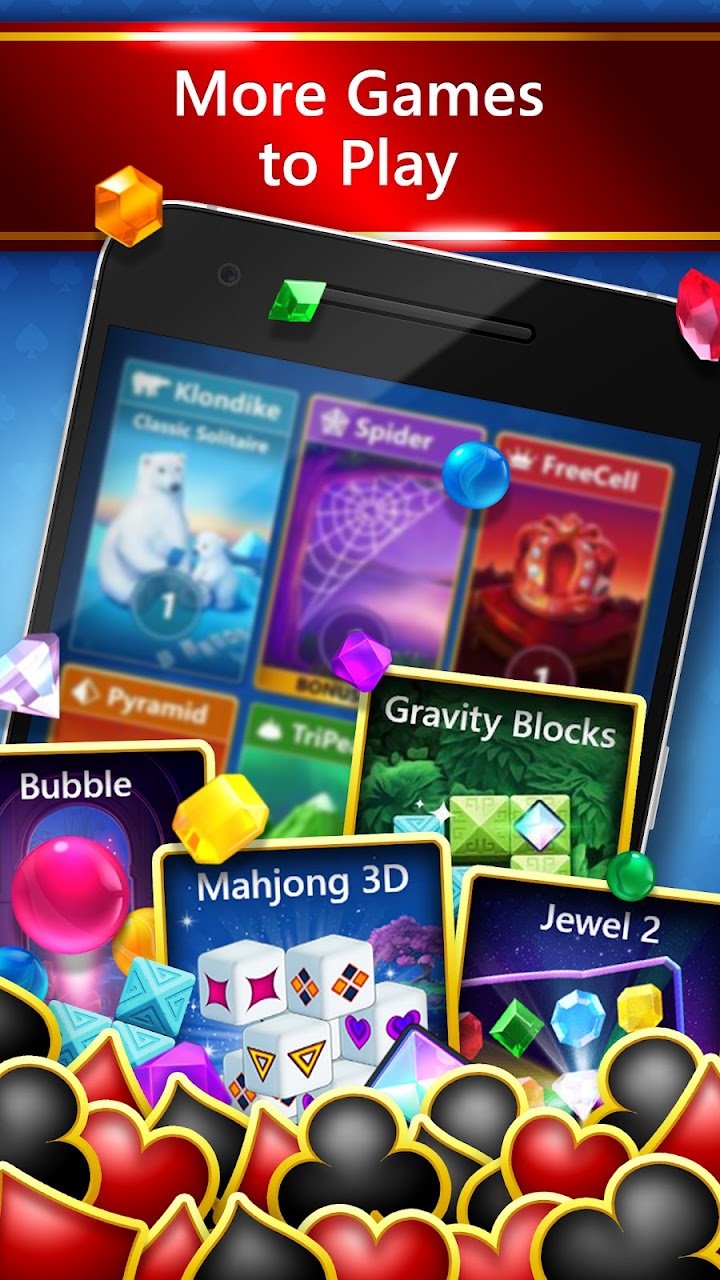
Microsoft Solitaire Collection is the mobile version of the card games that many people first met on a Windows computer. It brings several classic solitaire variants together in one app: Klondike, Spider, FreeCell, TriPeaks and Pyramid. Each game has its own rules and feel, so you can switch depending on your mood. The app is published by Microsoft and has been available for many years across different platforms.
The included games
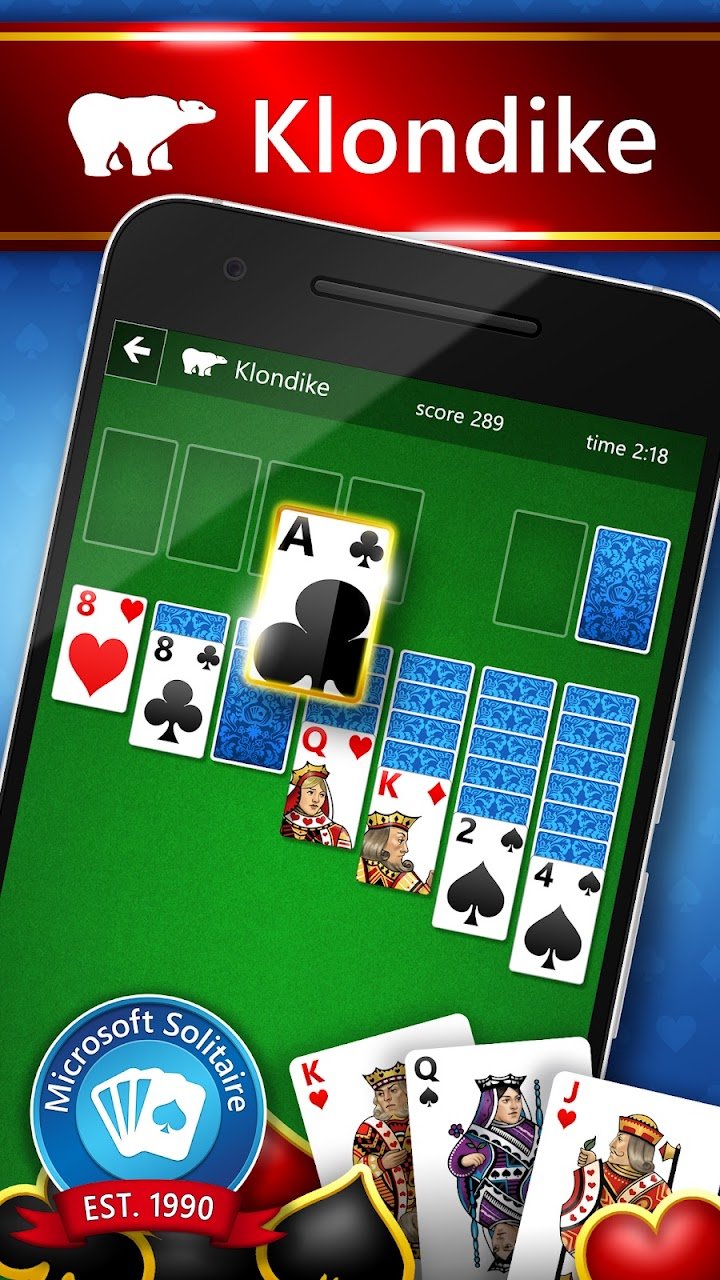
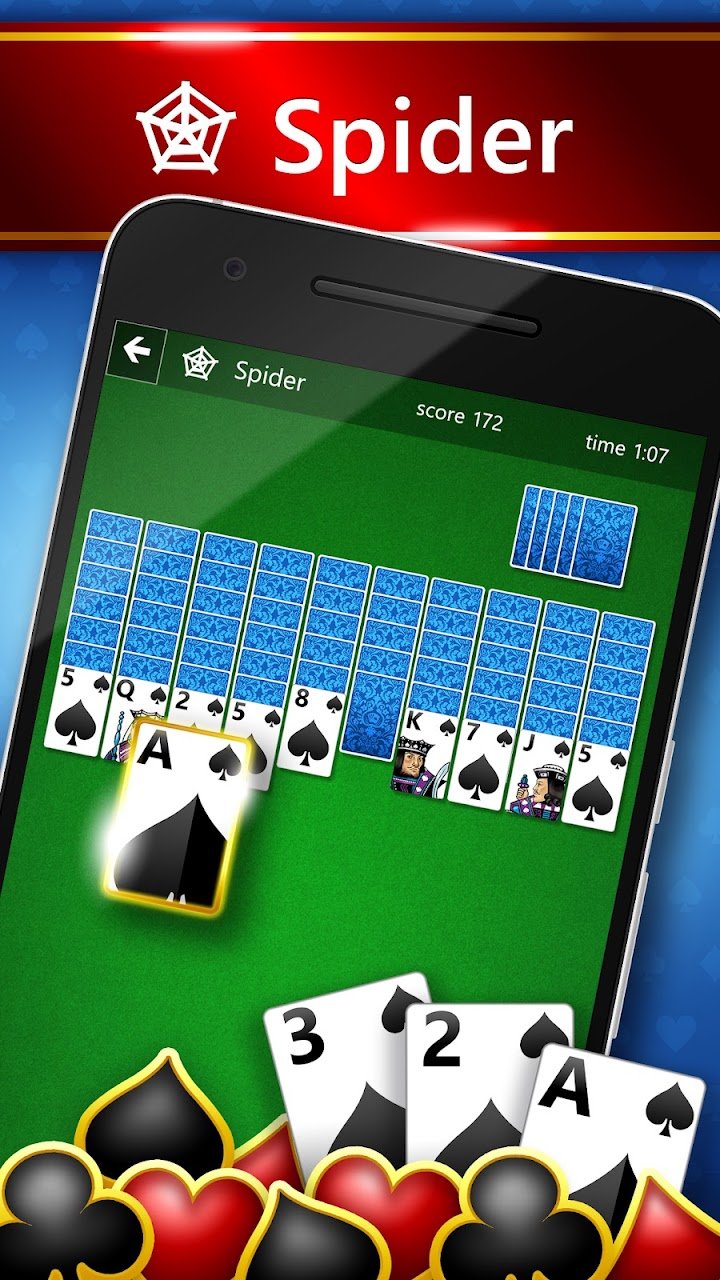
Klondike is the classic game you probably imagine when you hear the word solitaire. You build descending, alternating-colour sequences on the board and move cards to four foundation piles in ascending order. Spider uses two decks and builds sequences within the same suit. FreeCell lays all cards face up and gives you four temporary spaces, so it rewards planning. TriPeaks and Pyramid are faster pairing games where you remove cards that add up or follow each other in rank. Having all five in one place makes the app a convenient collection.
Daily challenges and progression
The app includes daily challenges, achievements, levels and events. Completing challenges earns rewards such as trophies and experience points. These are meant to give you reasons to play regularly, but they are optional. You can choose difficulty levels in some games, which makes the app friendly for beginners and still interesting for experienced players.
Accounts and syncing
If you sign in with a Microsoft or Xbox account, your progress can be saved and synced across devices. You can also play without signing in, although you may miss features that depend on an account. As with any account, use a strong password and enable extra security if it is offered.
Tips for better results
In Klondike, uncover face-down cards as early as possible, and try not to move cards to the foundations too quickly, since you may need them for building sequences. In FreeCell, empty a column early and avoid filling all free cells. In Spider, try to keep sequences of the same suit and use empty columns carefully. Use the undo and hint options when learning. Over time you will start to recognise a hopeless deal and restart rather than spend too long.
Ads, subscriptions and connectivity
The collection is free to download and supported by advertising. A paid option for removing ads or unlocking extras may be offered, so check the current store listing. The store listing says a persistent internet connection is required, so plan for that if you travel. If you want an uninterrupted experience, review the options available in your region.
Who it suits
It suits people who enjoy classic card games, nostalgia and flexible short sessions. It works for beginners because the rules are shown, and for veterans who want more challenge. It may not suit players who dislike ads or who want only one variant, in which case a dedicated single-game app might be better.
How it compares
Compared with a single-game solitaire app, it offers variety and events. Compared with MobilityWare’s separate apps, it includes more game types in one download.
Our take
Microsoft Solitaire Collection is a familiar, well-rounded card game bundle. Head to the official store page linked here to install it.


