

- Developer
- Google LLC
- Installs
- 10B+
- Downloads
- 0
- Views
- 2
- Updated
- Nov 2, 2026
Screenshots


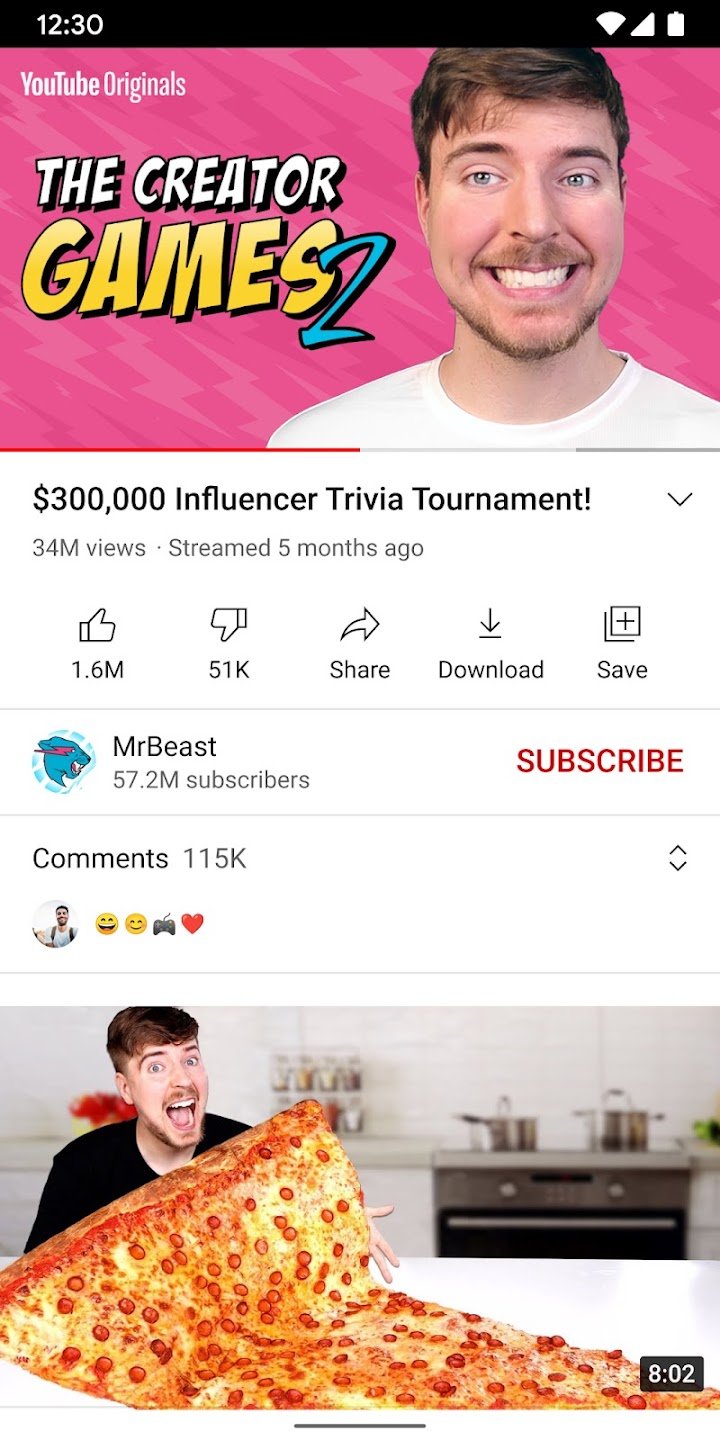

About YouTube
YouTube is Google’s video platform, and its Android app is the most direct way to watch it on a phone or tablet. People use it for music videos, tutorials, news, sports highlights, podcasts, gaming streams, cooking lessons and school revision, which makes it as much a search engine for learning as an entertainment app. Anyone can watch without an account, but signing in unlocks subscriptions, playlists, watch history and personalised recommendations.
How the app is organised
The Home tab shows suggested videos based on what you watch and like. Shorts is a vertical, swipe-through feed of very short videos in the style of other short-video apps. The Subscriptions tab collects new uploads from channels you follow, and the Library tab holds your history, playlists, liked videos and downloads. Search is the heart of the app: typing a question such as how to fix a leaking tap or explain photosynthesis usually returns several step-by-step videos you can compare before choosing one.
Useful features many people miss
Playback speed lets you watch lectures faster or slow down a tricky tutorial. Chapters, where creators add them, let you jump straight to the part you need. Captions and auto-translate help when a video is in another language. Watch later and playlists keep material organised for exams, hobbies or projects. Notification settings let you limit alerts to channels you care about. Picture-in-picture and background playback depend on your region and on whether you use YouTube Premium.
Free version versus Premium
The standard app is free and supported by advertising. YouTube Premium is an optional paid subscription that removes ads, allows downloads for offline viewing and keeps videos playing when the screen is locked. Pricing and availability differ by country, so check the official listing before you subscribe. Free users can lower video quality to save mobile data.
Safety, children and wellbeing
YouTube is built for a general audience and contains material that is not suitable for young children. Families can look at YouTube Kids, a separate app with filtered content, or a supervised experience managed by a parent. Turn on Restricted Mode if you want to hide mature content, and review your watch history now and then because recommendations are based on it. Autoplay can keep you watching longer than planned, so consider switching it off or using the break reminders.
Who it suits
It suits almost everyone: students looking for explainers, hobbyists learning a craft, music fans discovering songs and creators who want to publish their own videos using the built-in upload and live-streaming tools. If you only want music, a dedicated service such as YouTube Music or Spotify may feel more focused.
Practical tips
If you have Premium, download videos over Wi-Fi before travelling. Lower the resolution to save mobile data. Clear your history if recommendations drift away from your interests. Always verify health, legal or financial claims against reliable sources, because anyone can upload anything.
Our take
YouTube’s strength is the breadth of free, searchable video on almost every subject. Its weak spots are advertising and an algorithm that can pull you down rabbit holes, both of which you can manage with the right settings. Use the official link on this page to install it, and keep the app updated for security and performance fixes.